
MagicDalot
Parametric box culverts for Autodesk Revit
- Revit 2024 · 2025 · 2026 · 2027
- Windows 64-bit
- Version 1.0.2
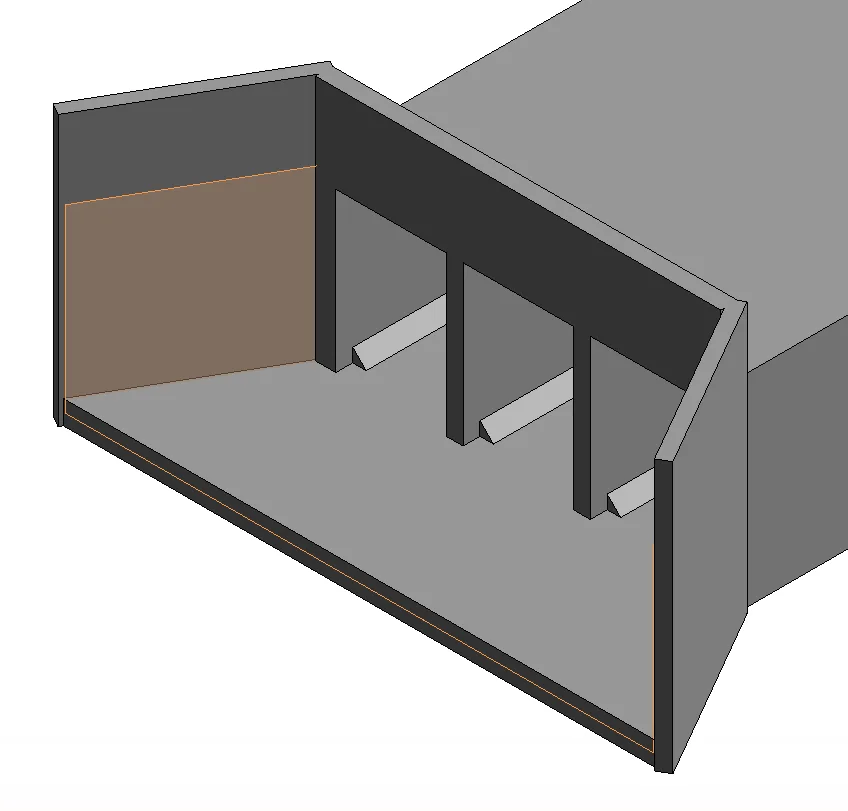
MagicDalot models a complete reinforced-concrete box culvert inside Autodesk Revit, together with its analytical model, the starting point for structural analysis. What usually takes an afternoon of manual modelling takes a few seconds, and the result is one coherent structure rather than a set of disconnected solids.
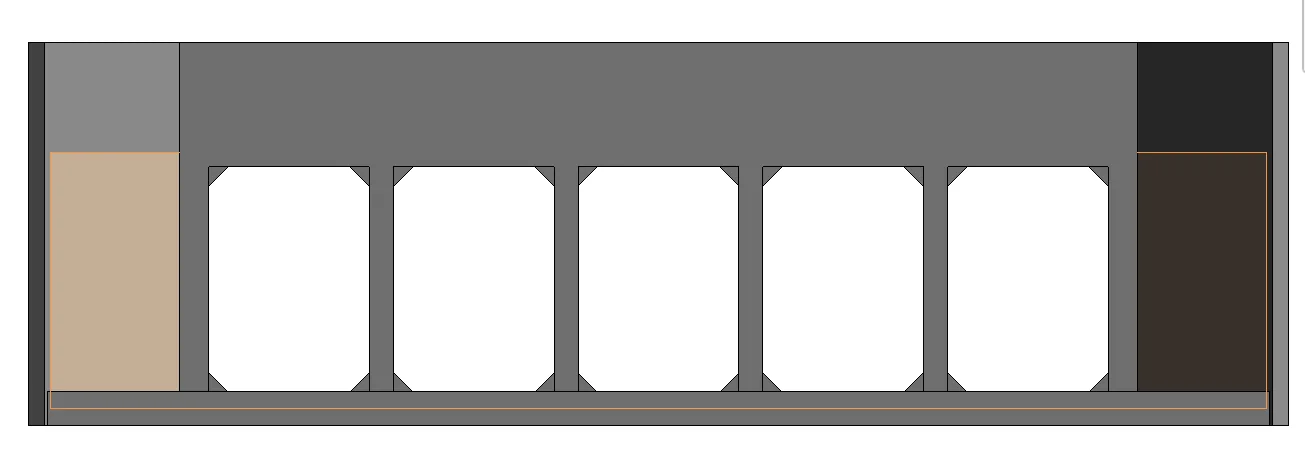
- 1 to 5 cells. One or two in the free edition, up to five in MagicDalot Pro. The overall width is shared between the cells automatically.
- Haunches at every internal corner of every cell.
- Headwalls upstream and downstream, with the cell openings cut automatically.
- Four flared wing walls with adjustable length, splay angle and thickness; the bottom slab is extended to the end of the wings.
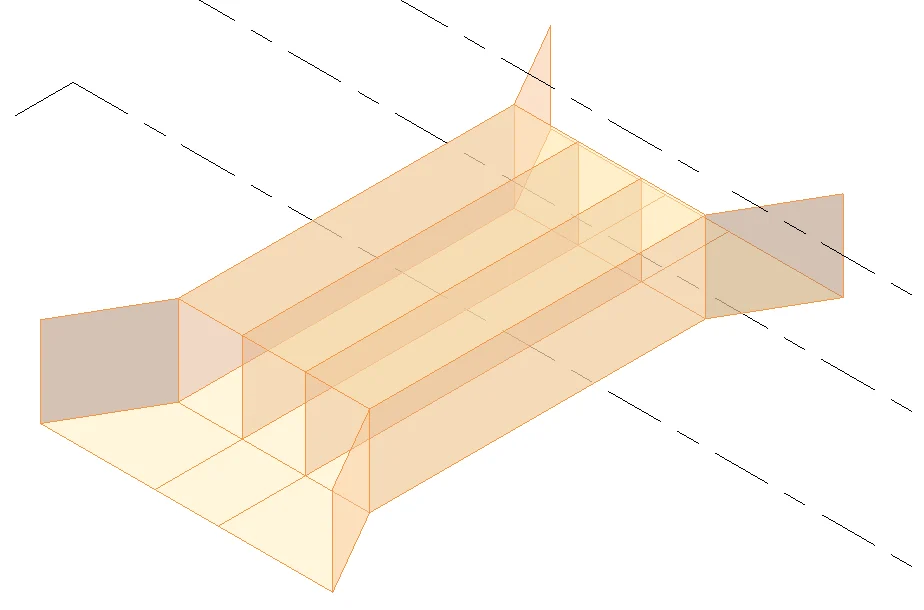
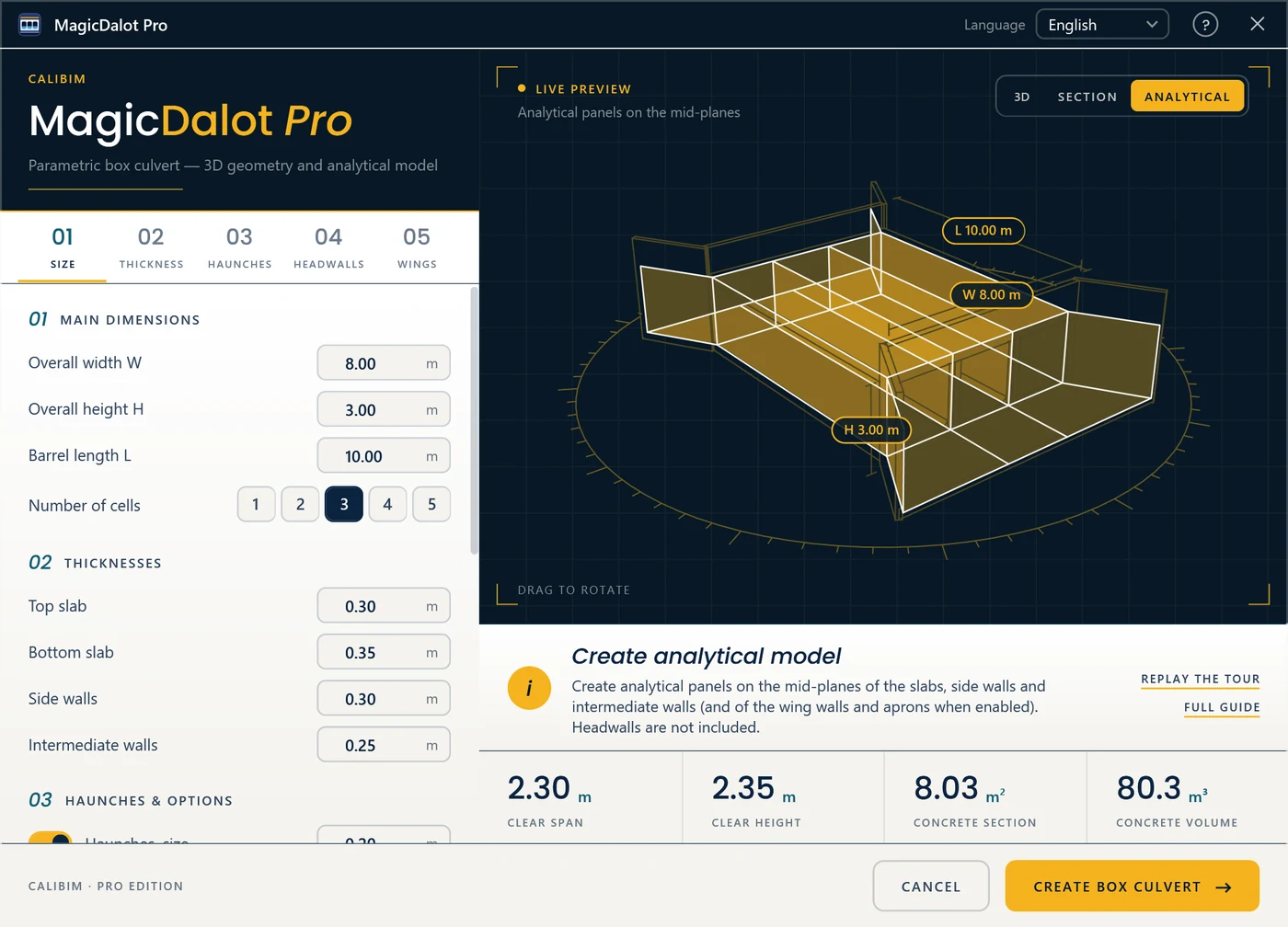
- Analytical model (MagicDalot Pro). Slabs, side walls, intermediate walls, wing walls and aprons become analytical panels on their mid-planes, with thickness, structural role and, optionally, a concrete material. Panels meet exactly, with no gaps and no overlaps.
- Live 3D preview. The culvert turns on its own; drag it to look around. Click a field and its part lights up in gold.
- Checked input. Every field is validated as you type, and the Create button stays disabled until all values are consistent.
- One transaction. A single Ctrl+Z removes the whole culvert.
- English, French or Spanish. The dialog opens in English and switches language from a selector at the top right.
In Revit: Add-Ins › MagicDalot › Box Culvert
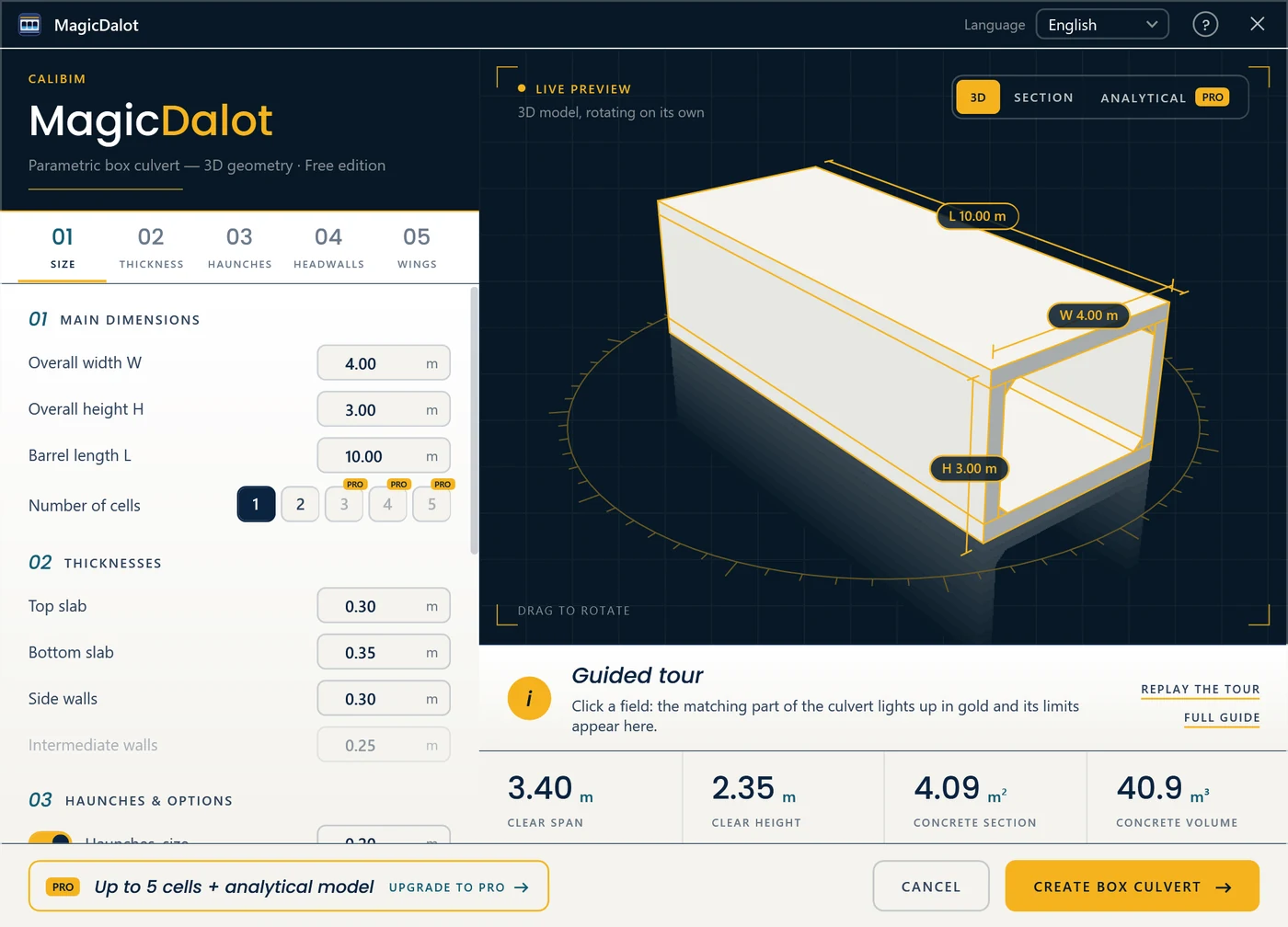
WindowLive 3D preview
EditionFree
W × H4.00 × 3.00 m